Grouped tags reduced complexity, but governance determined whether the system would scale.
- Hundreds of Tags
- Tree-style structure requested
- Required groups
- Separate Group Admin permissions
Design for findability and governance, not hierarchy alone.
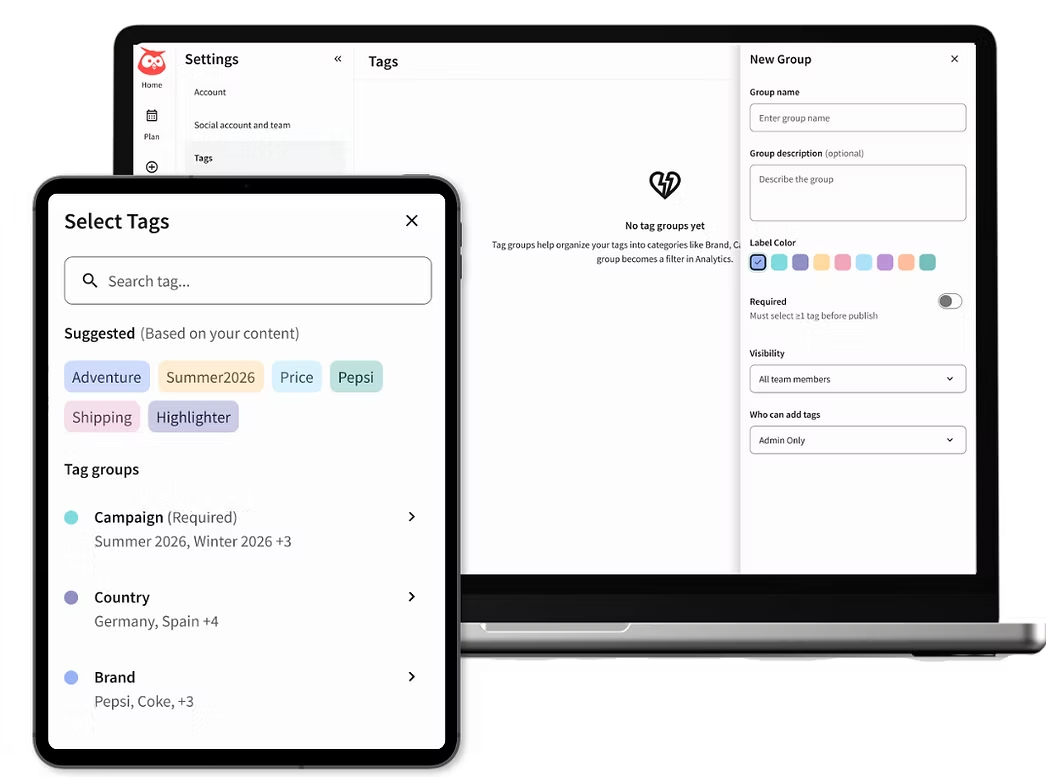
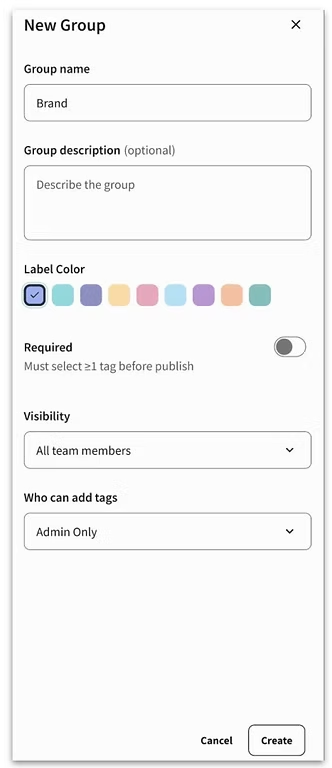
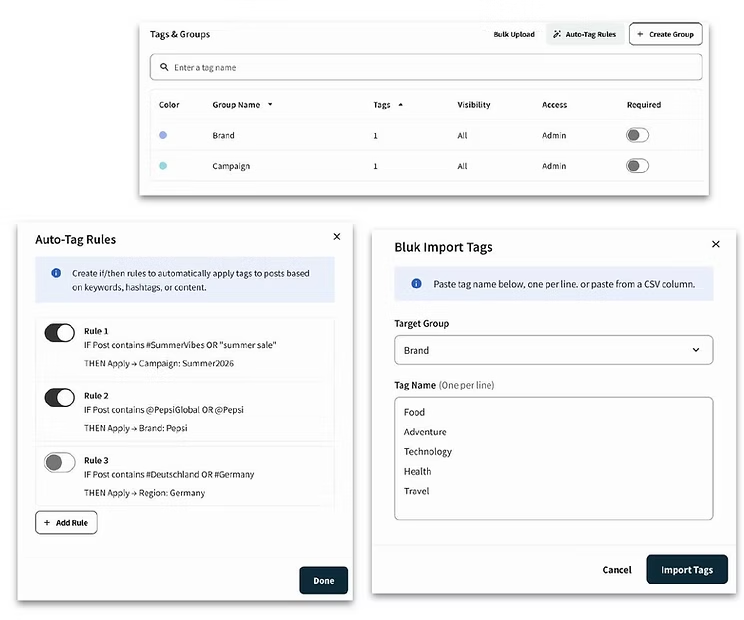
I led evaluative research on a new structured tagging system designed to replace Hootsuite’s existing flat tagging model. The proposed experience introduced grouped tags, administrative controls, and more advanced filtering to support how enterprise teams organize and report on social content. I tested the prototype across 4 product areas (Admin, Composer, Analytics, Inbox) and reporting workflows to understand how the system fit existing customer practices and which capabilities were required for an initial release.
Enterprise customers were managing hundreds of tags in a single flat list, making it difficult to maintain consistent naming, find relevant tags, and use tagging data for reporting. Some teams were exporting data into Excel or Power BI because Hootsuite did not support the filtering and aggregation required for their reporting workflows.
The research focused on one primary question:
What structure, governance, and filtering capabilities do enterprise teams need for tagging to work consistently across publishing, engagement, and reporting workflows?
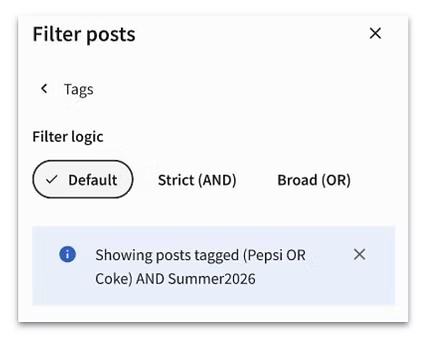
The study also needed to determine where the proposed design could remain simple and where enterprise requirements justified additional complexity, including permissions, mandatory tags, Boolean filtering, automation, and export structure.
I worked closely with the Product Manager and Lead Designer to define the prototype flows and research questions before testing. The study covered several parts of the tagging experience, including Admin, Composer, Analytics, and Inbox, so the discussion guide was designed to test both usability and how structured tagging would fit into existing enterprise workflows.
Defined research questions for a 60-minute moderated usability test based on a prototype flow.
Recruited 9 enterprise customers and conducted task-based prototype sessions across key workflows.
Consolidated findings into 34 insights and 10 product recommendations.
Presented findings to 20+ stakeholders and distributed the report across Product, Design, and Engineering.
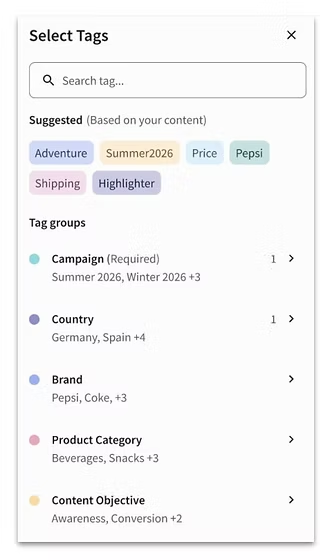
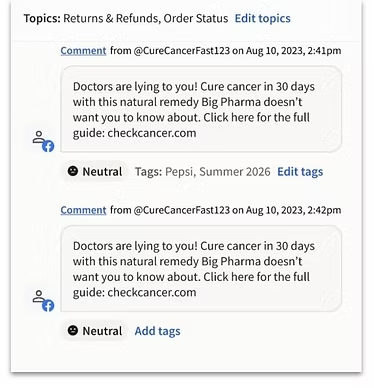
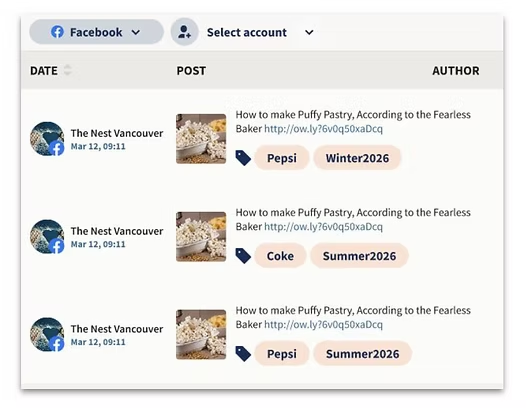
Design for findability and governance, not hierarchy alone.
Implement Boolean filtering, but simplify the language.
Treat reporting and export structure as part of the tagging experience.
The research translated enterprise needs into a prioritized set of requirements for the structured tagging MVP, helping Product and Design determine which capabilities were necessary for launch versus later iterations. Several of the capabilities validated through the study, including structured tag management and advanced filtering, have since launched in product, demonstrating a direct line from customer research to shipped functionality. The work supported an enterprise-requested capability associated with $5.5M in ARR and resulted in 13 prioritized product recommendations across tagging, governance, reporting, and workflow integration.